Dark hatchback
Illustrative preview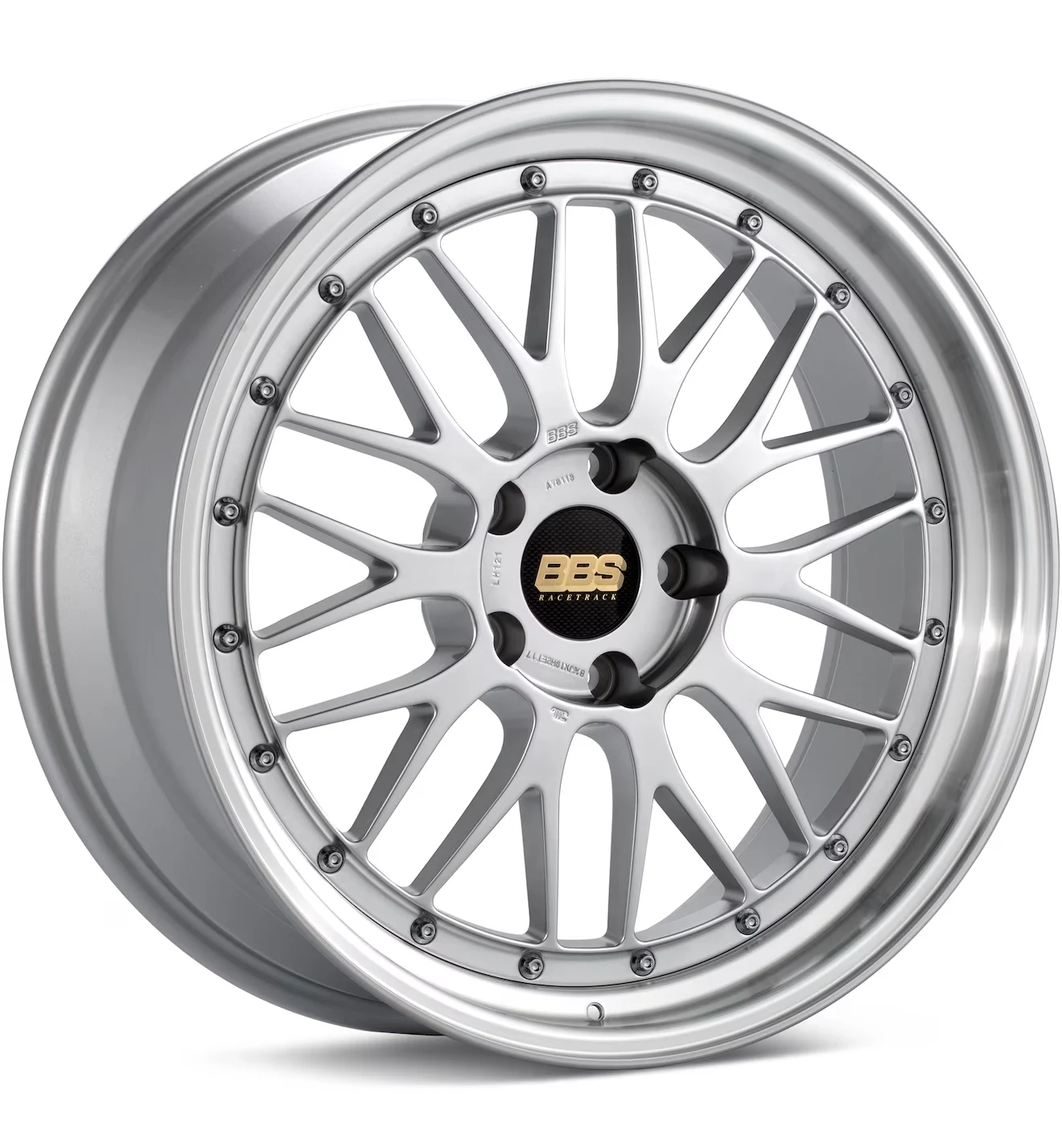
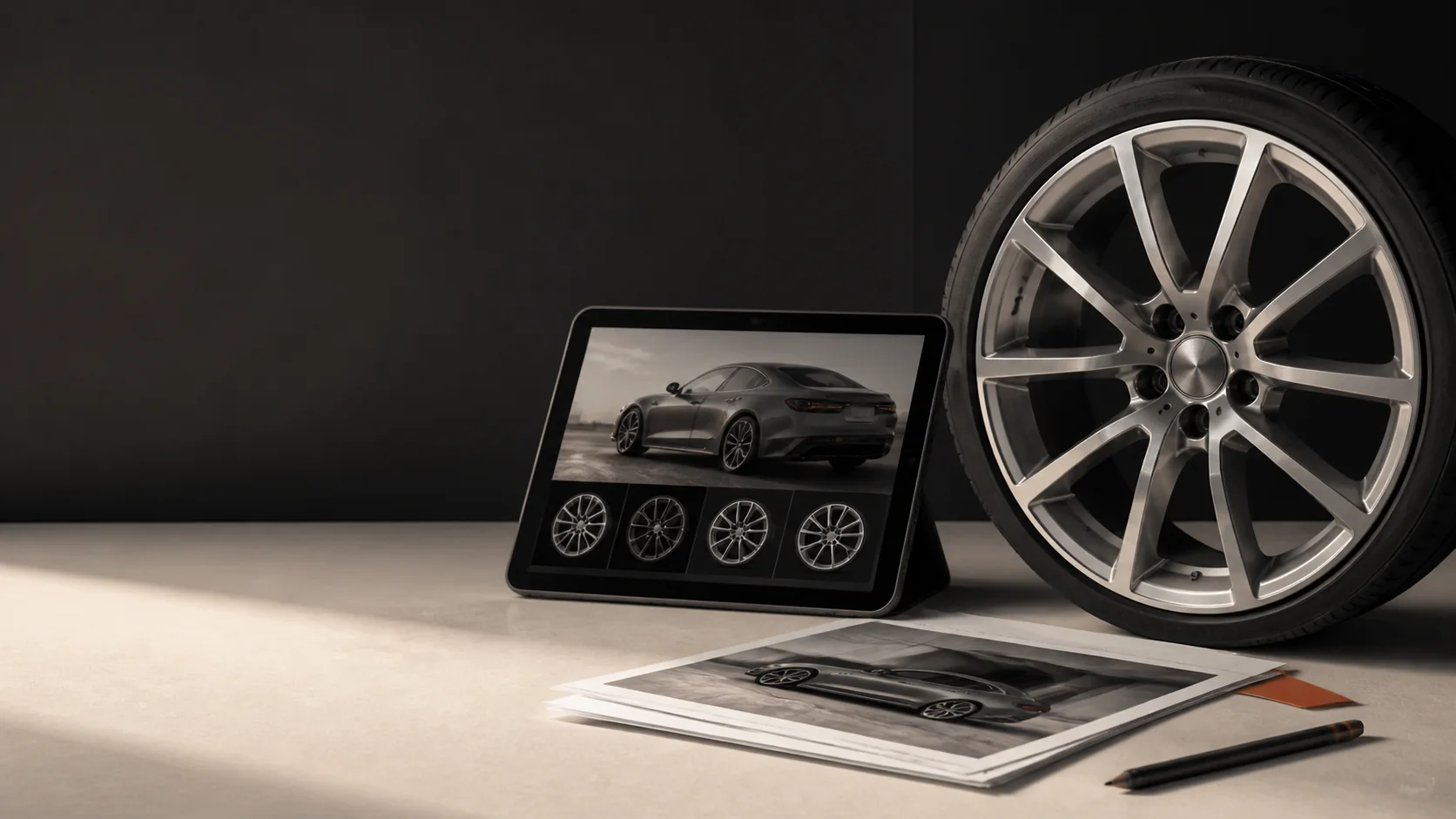
Preview custom wheels on your car instantly.
 WheelSwap
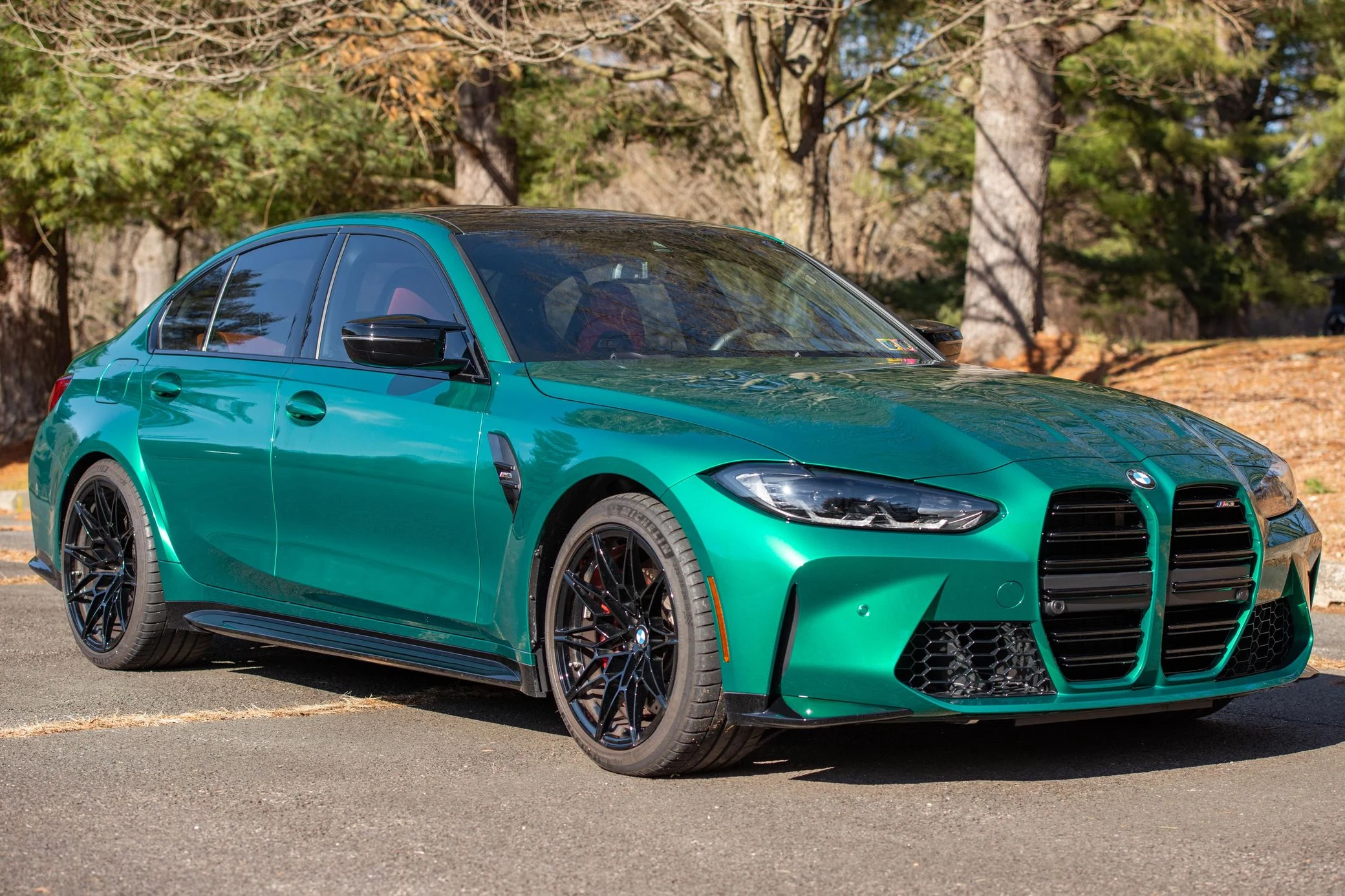 Original
AI wheel visualizer
See how new wheels will look on your actual car before you buy them. Upload your car photo and any wheel image, then let our AI Wheel Swap replace the existing wheels with a realistic new set in seconds.
No complicated editing. No Photoshop. No generic vehicle configurator. Just your car, your wheel choice, and a realistic AI-powered preview.
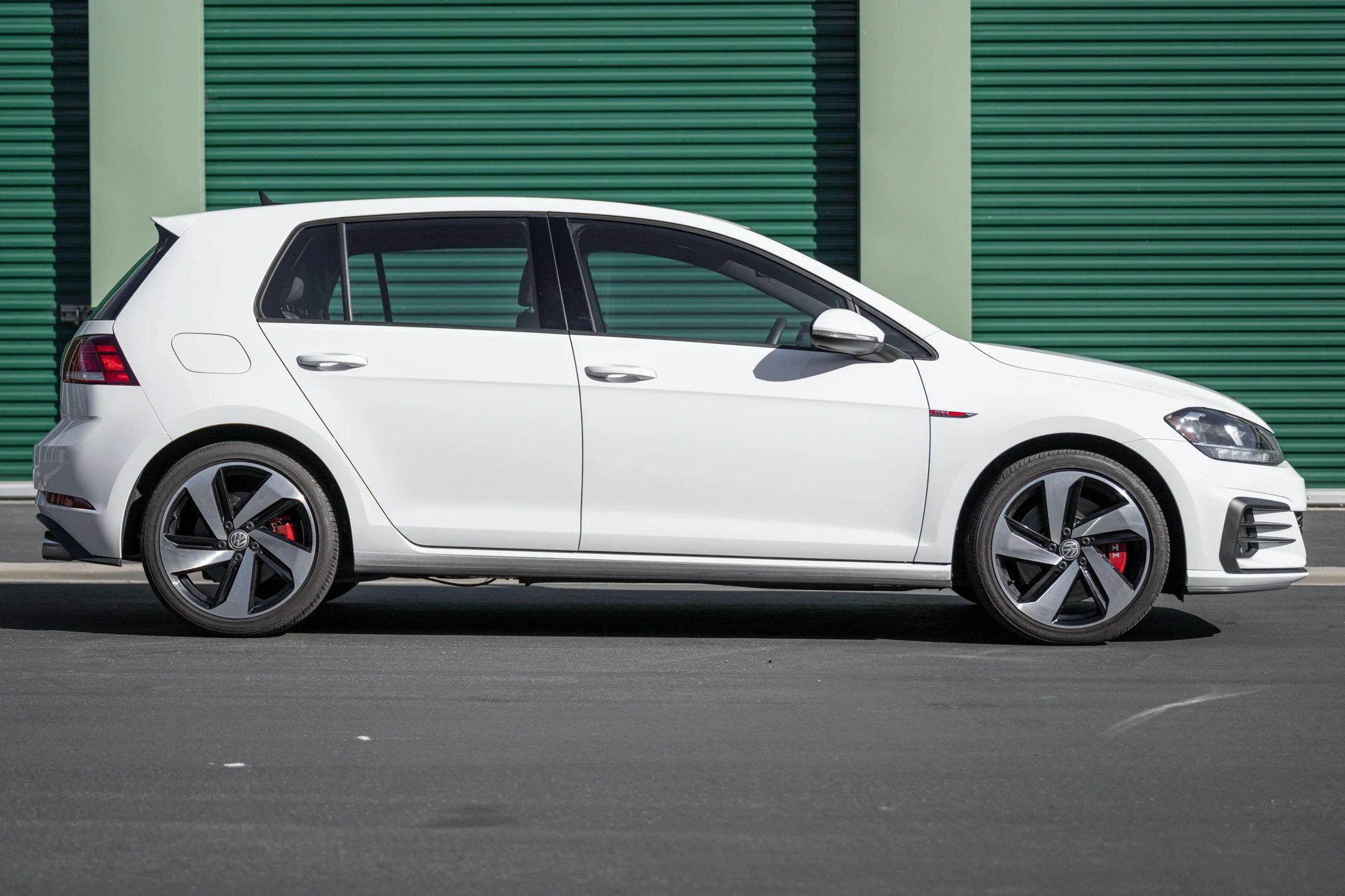
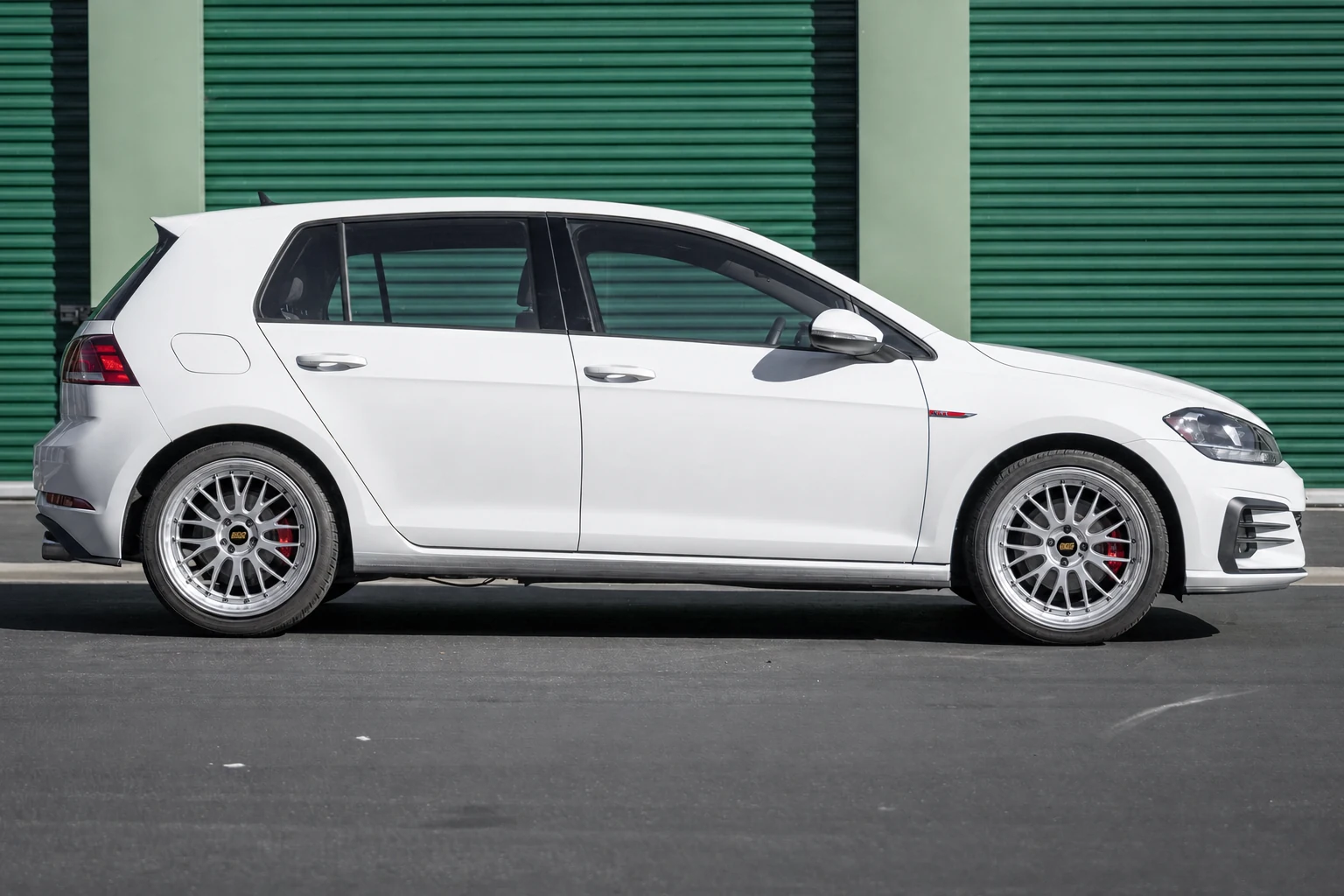
01Before / After
These illustrative Before/After panels show the kind of visual question WheelSwap is designed to answer. Your generated preview starts with your own car photo and wheel reference.
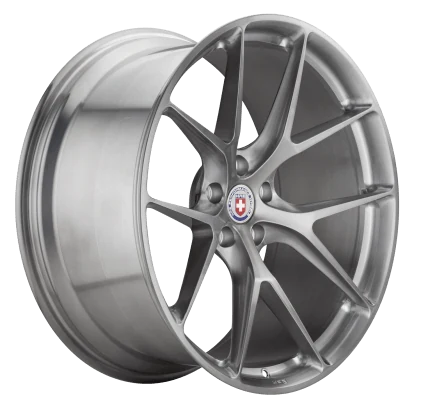
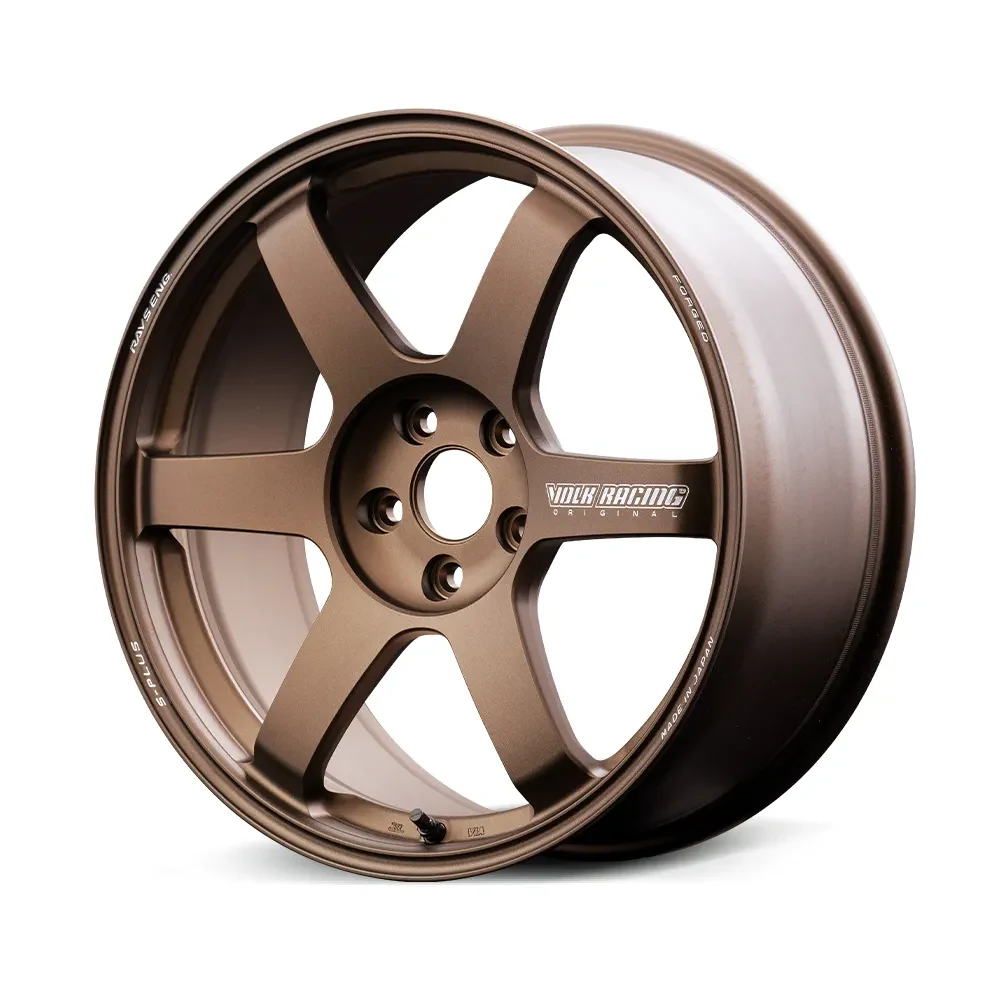
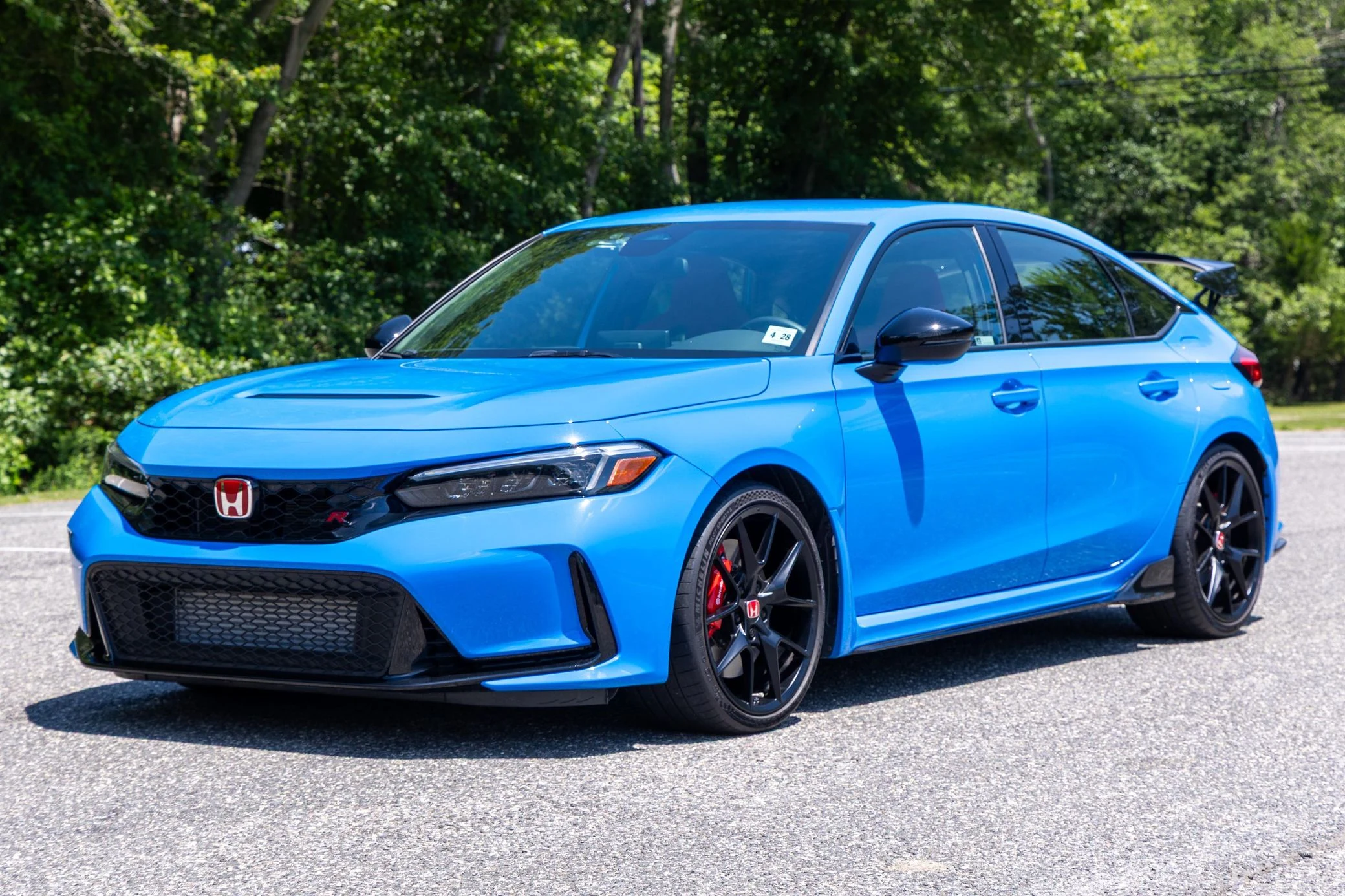

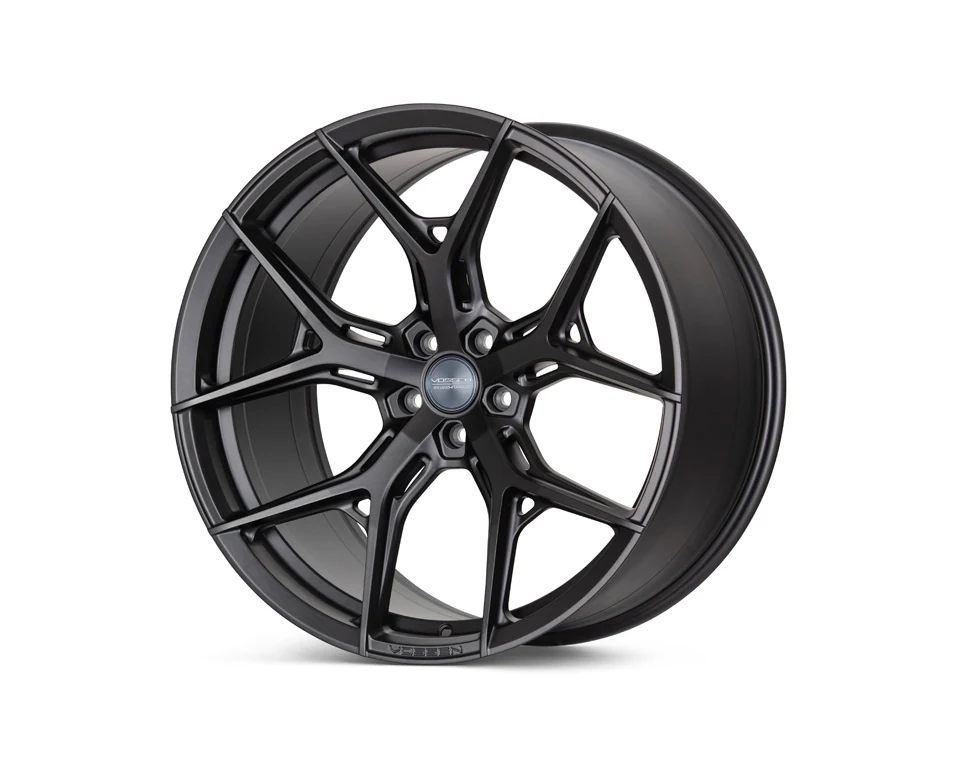
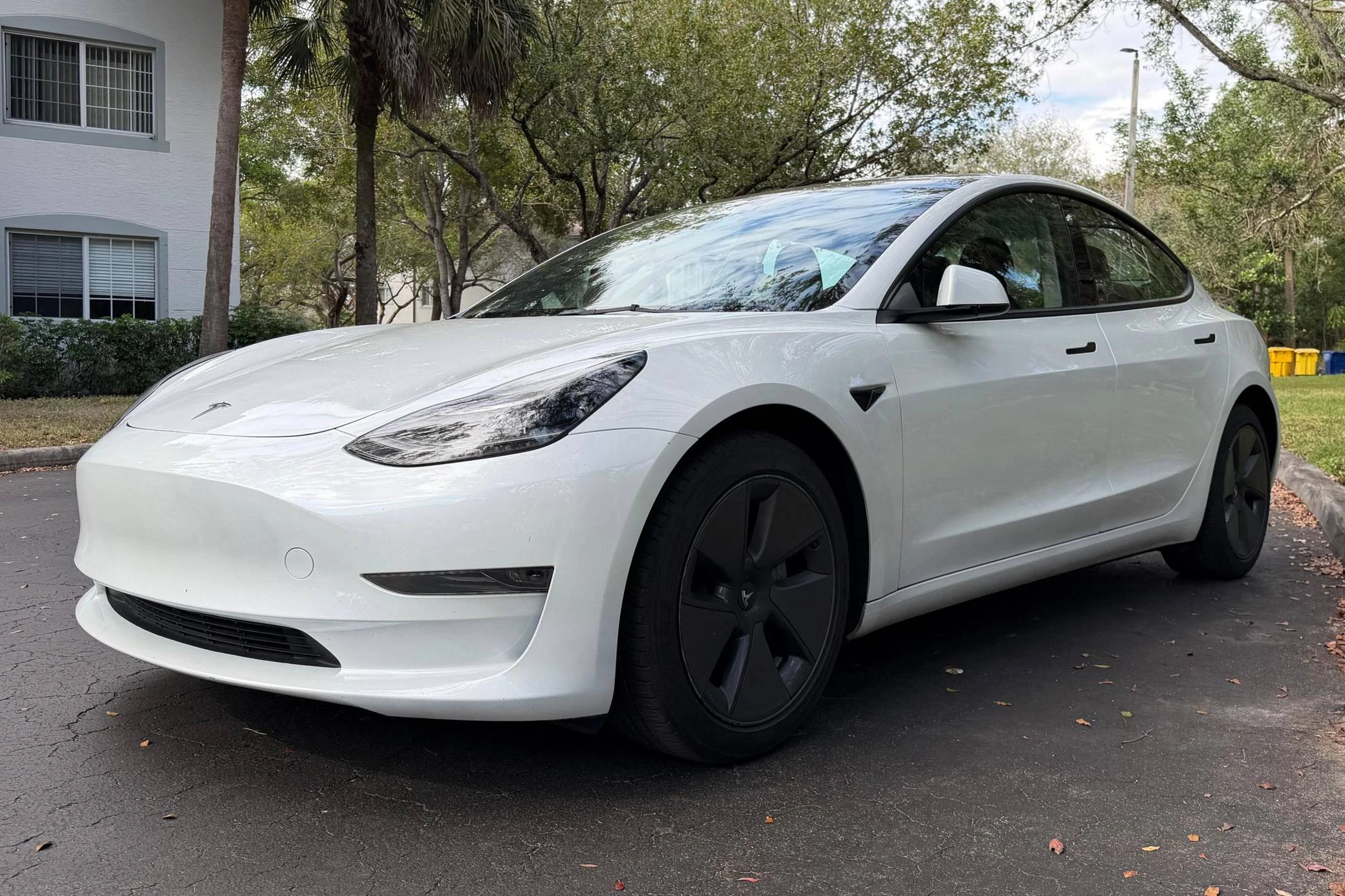
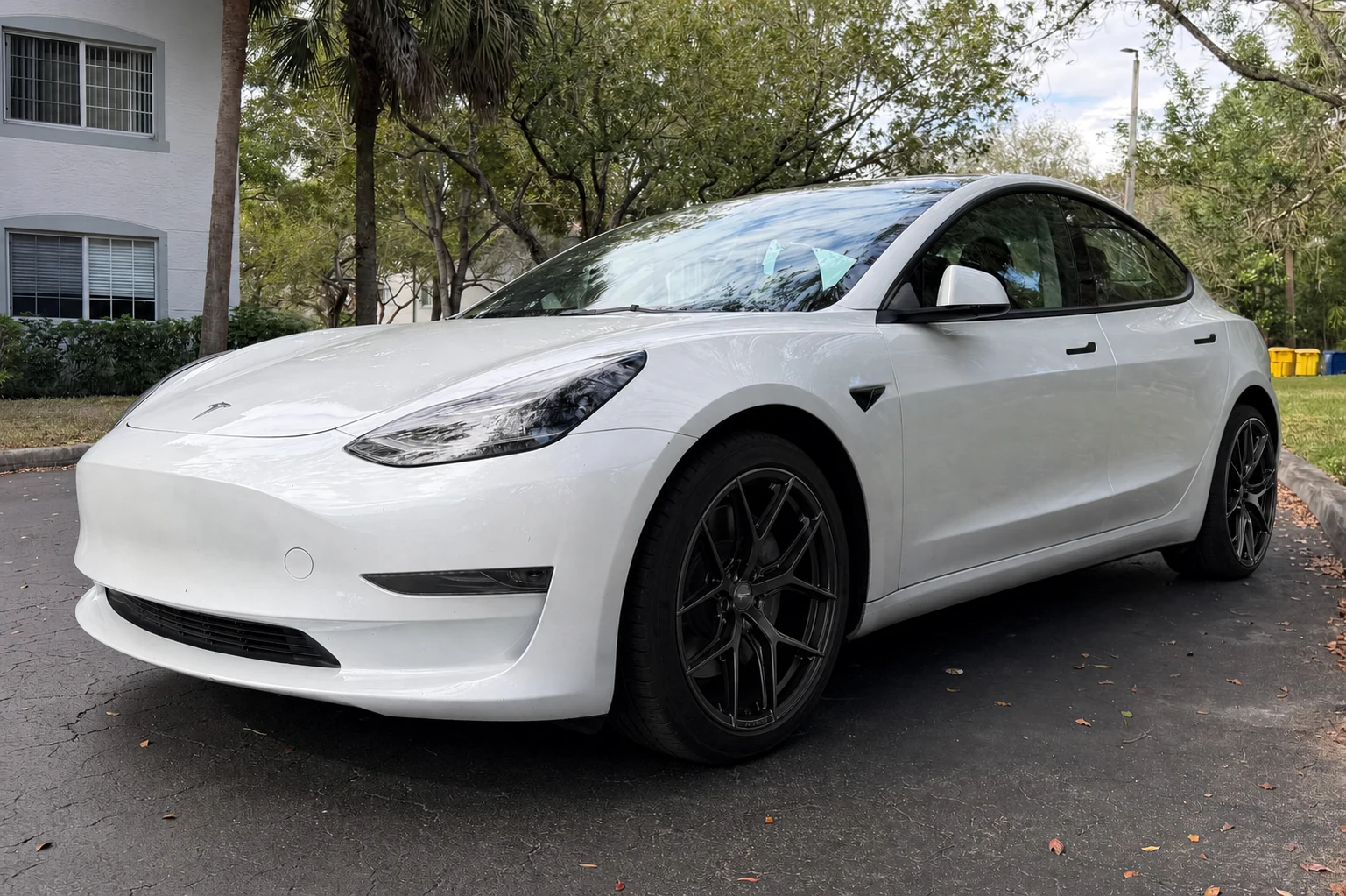
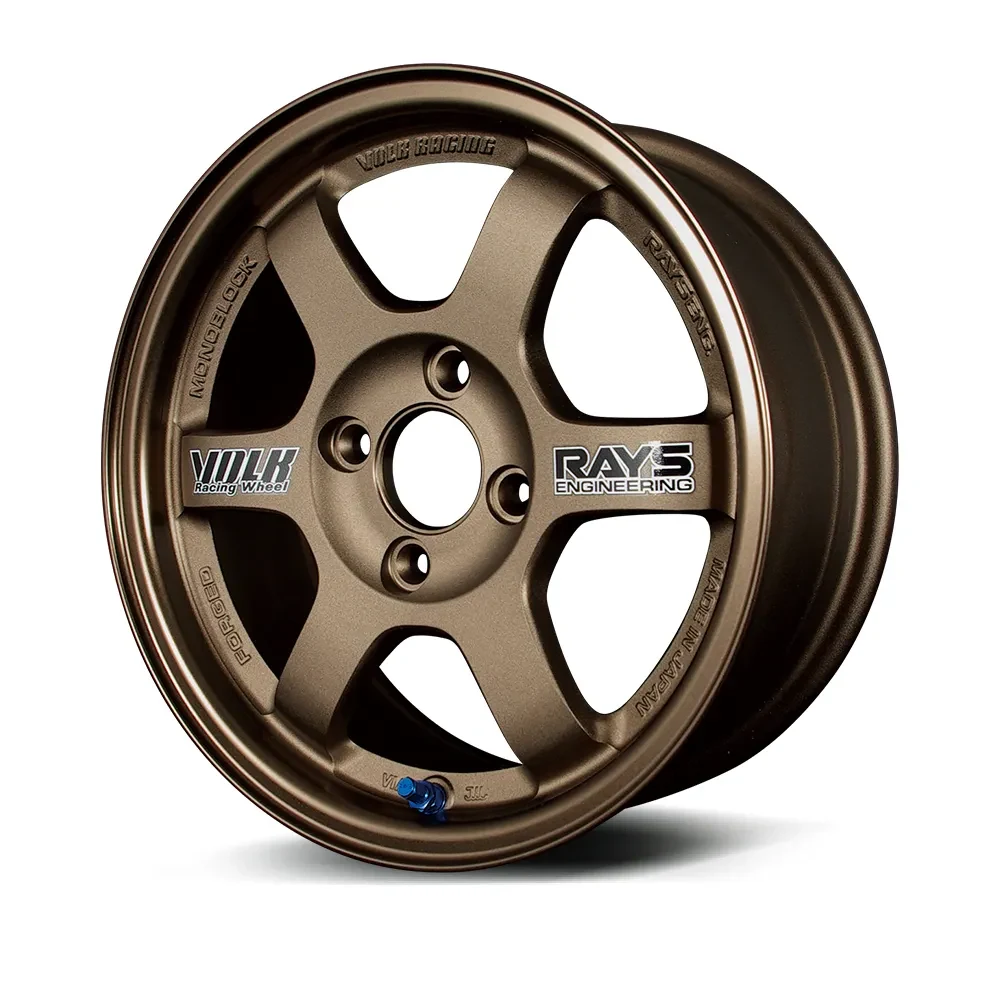
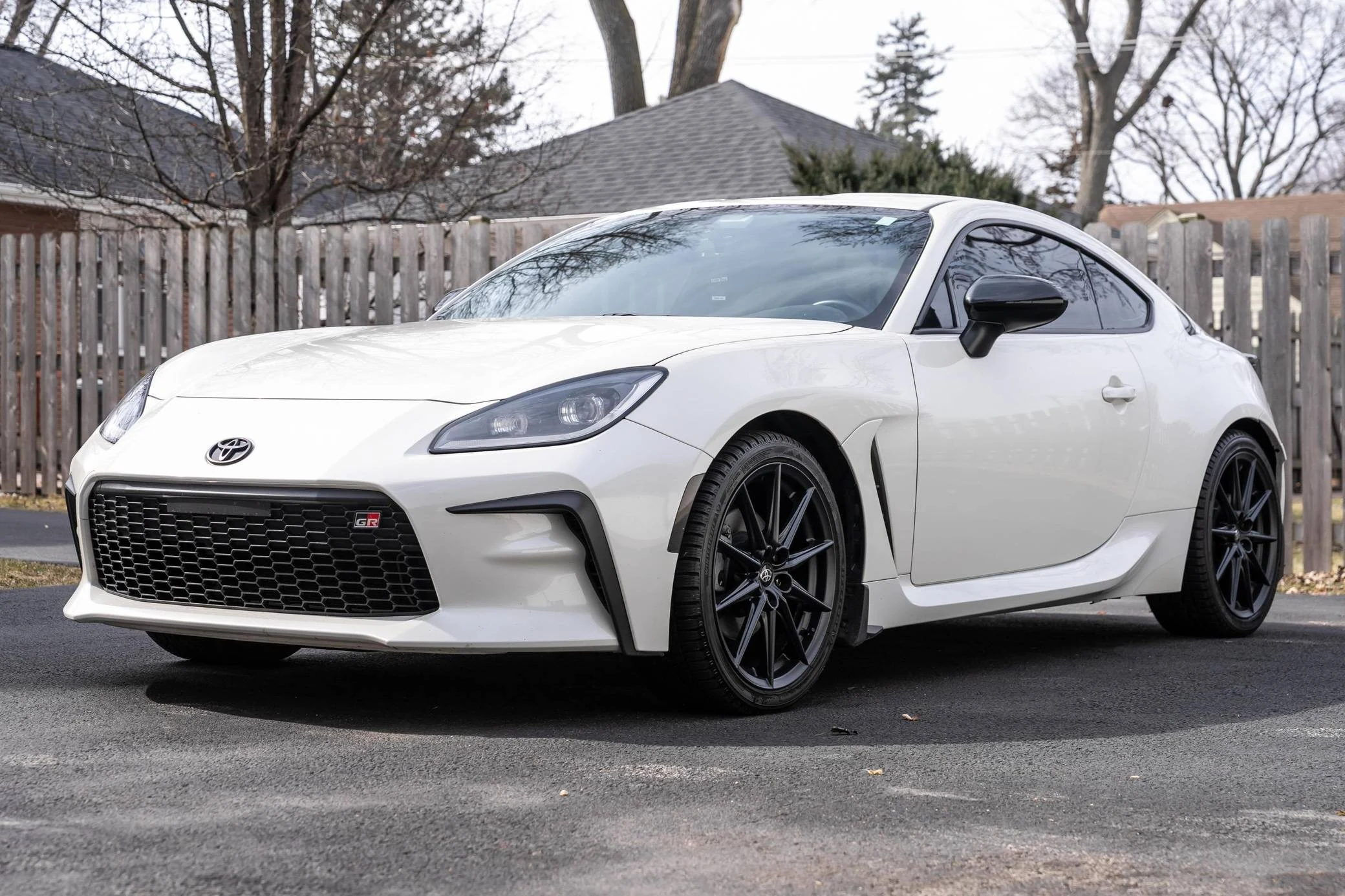
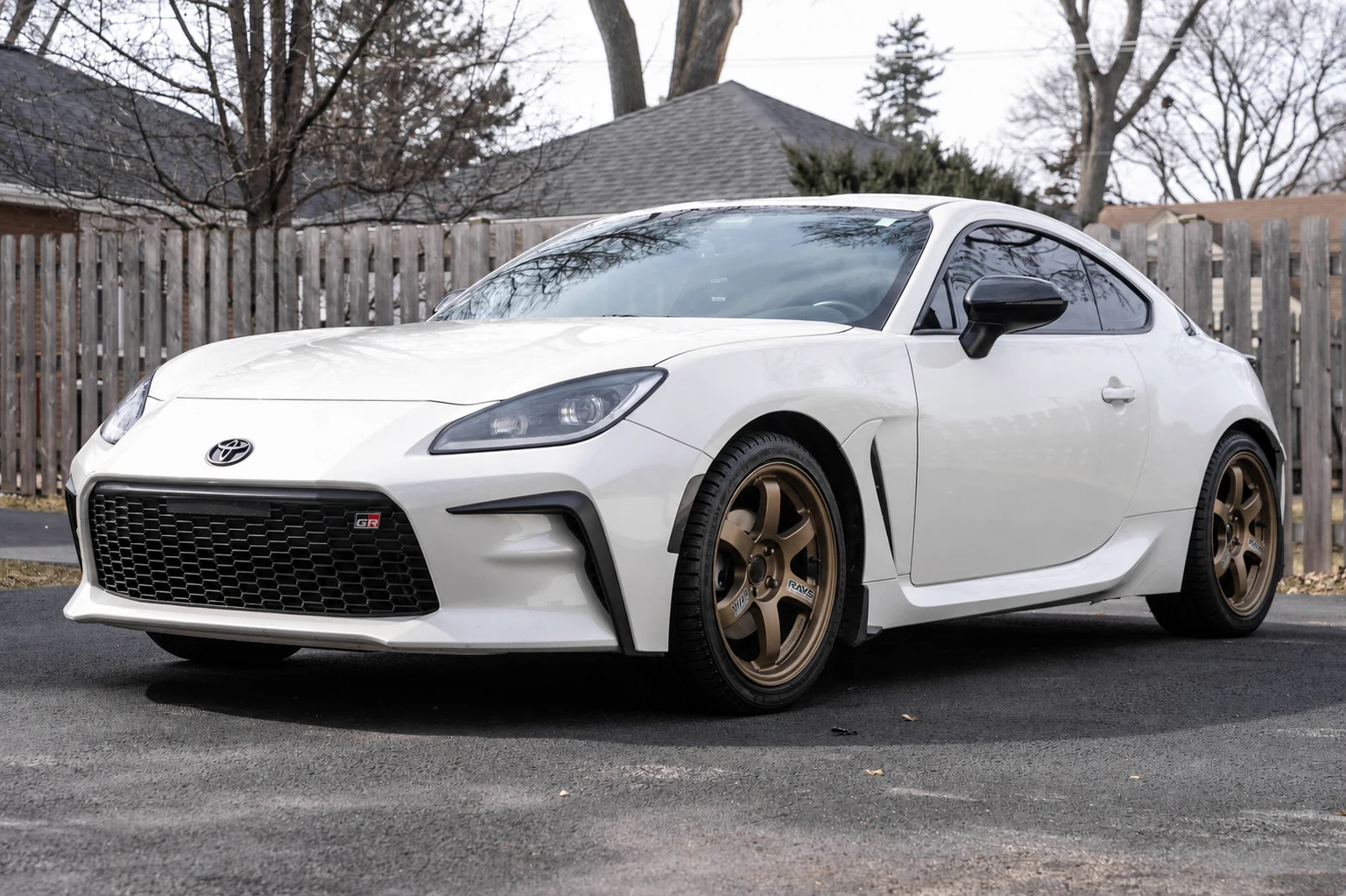
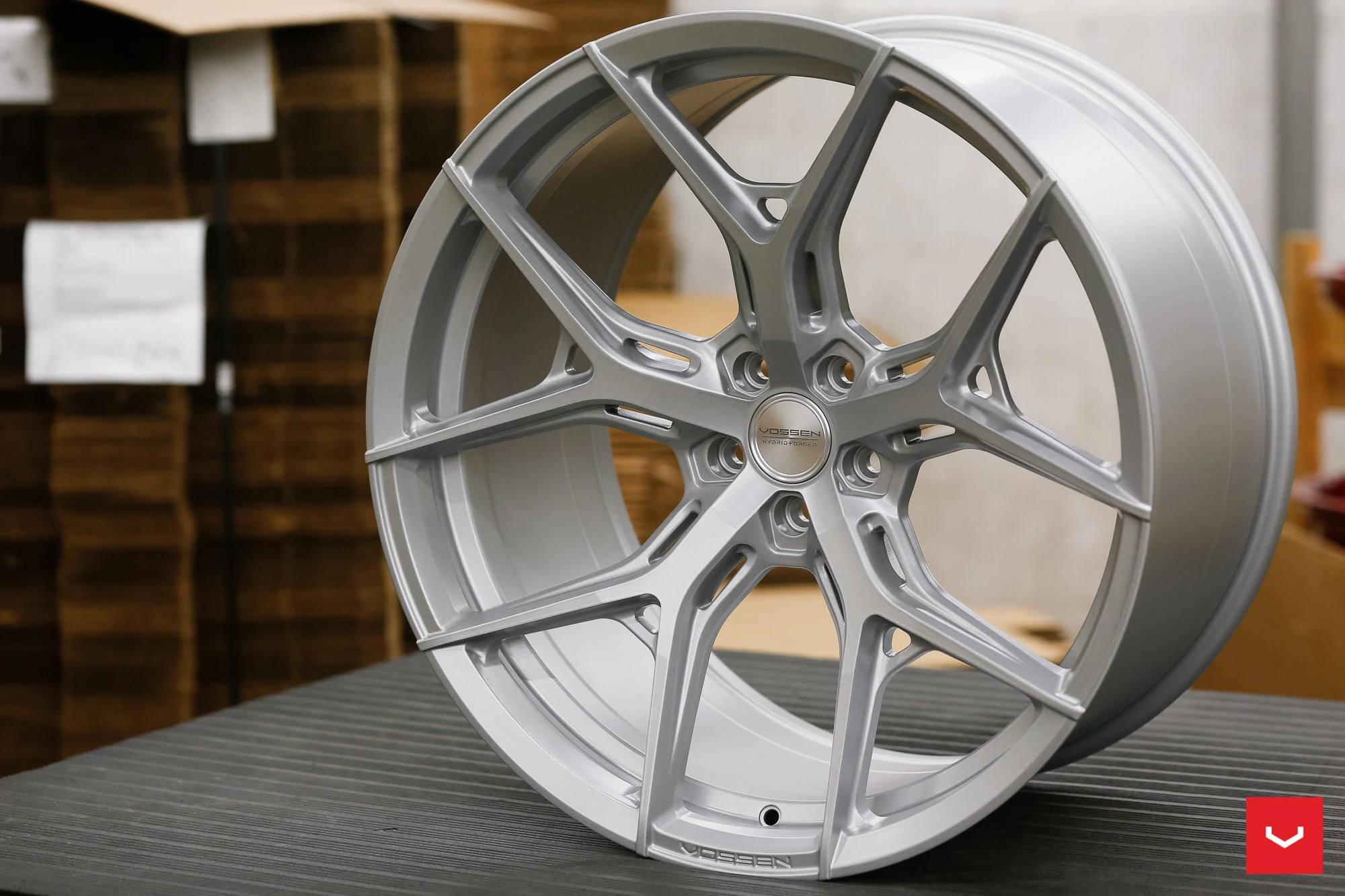
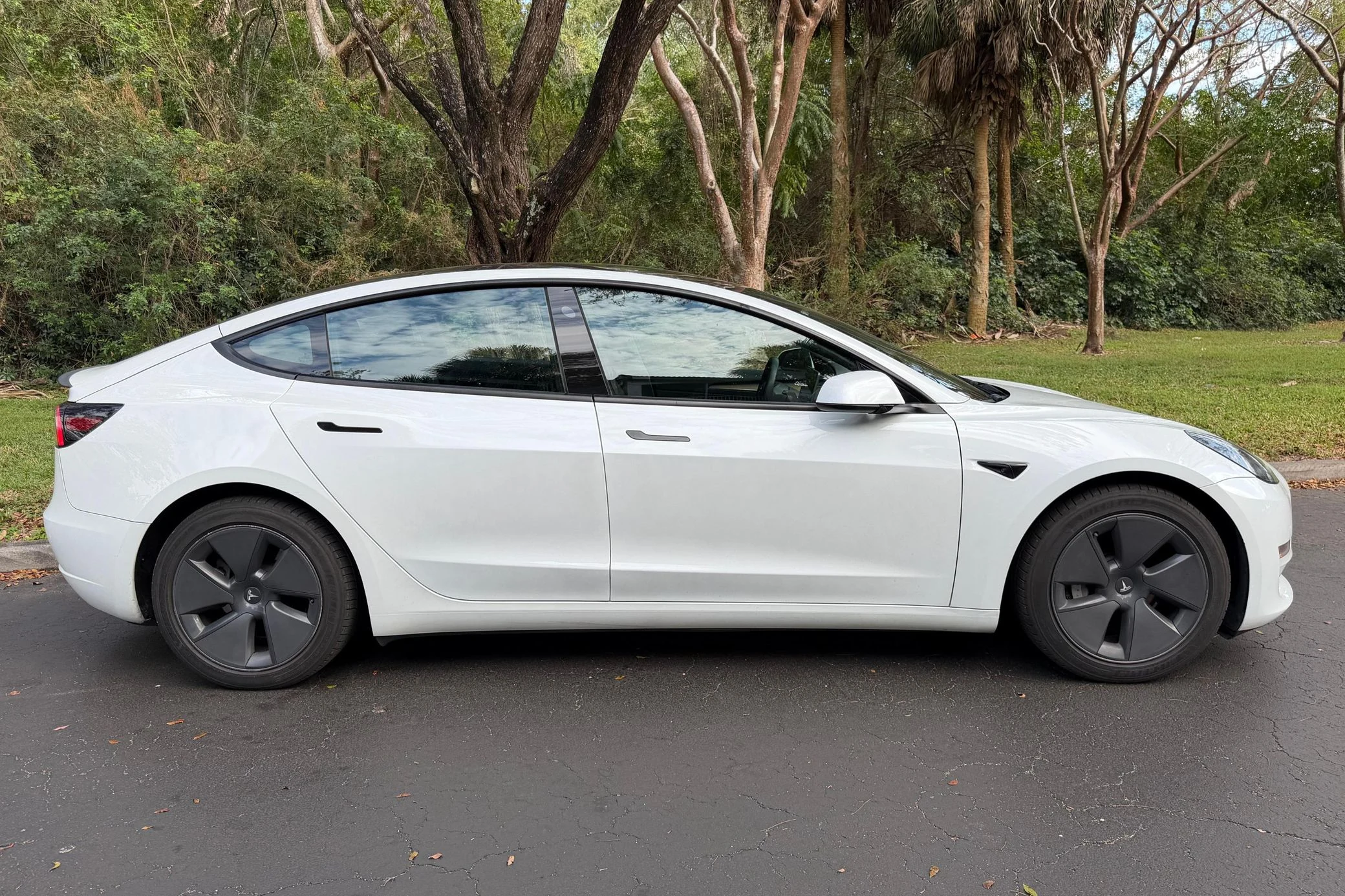
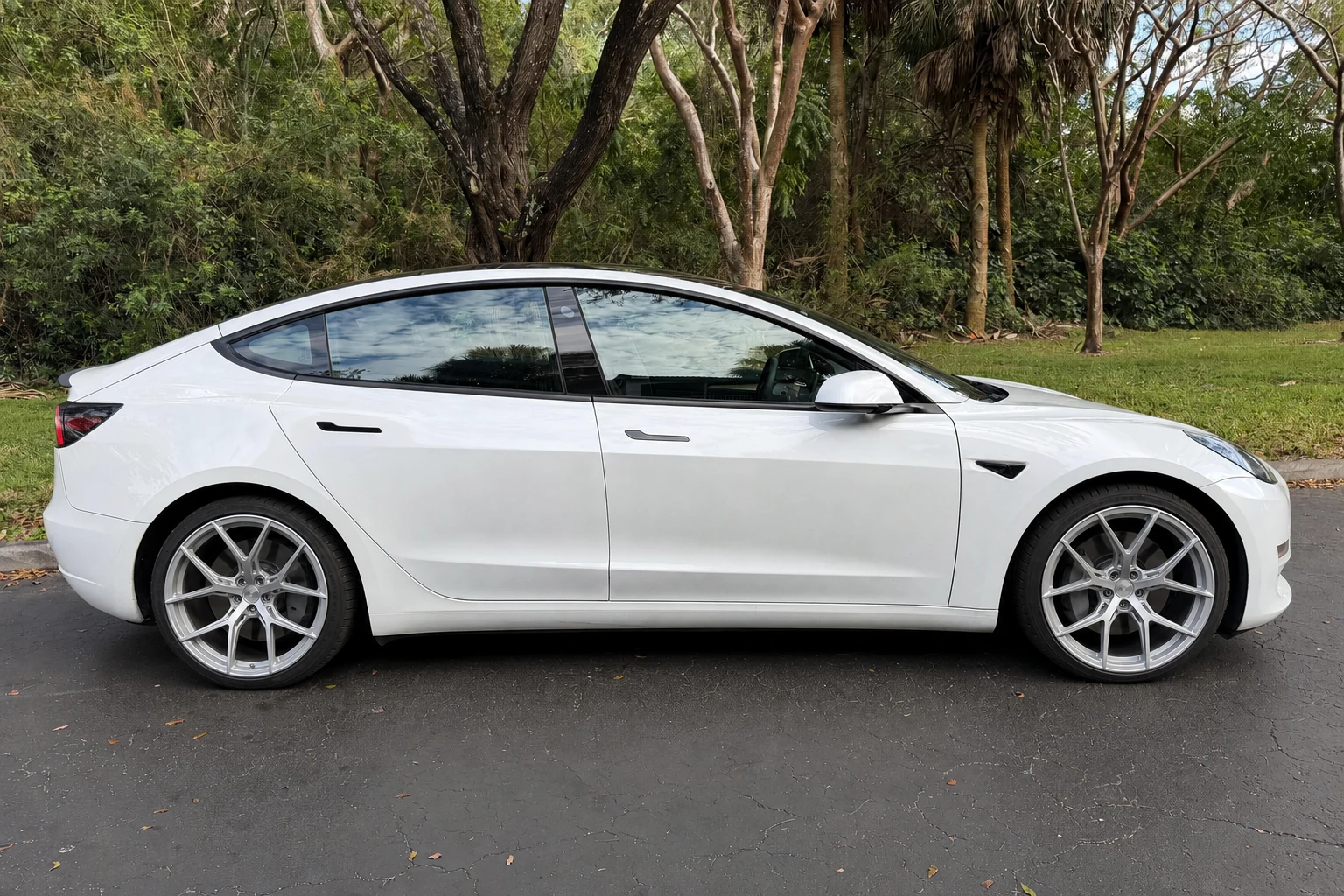
Examples are visual illustrations, not fitment measurements or guarantees of a specific vehicle result.
02What it is
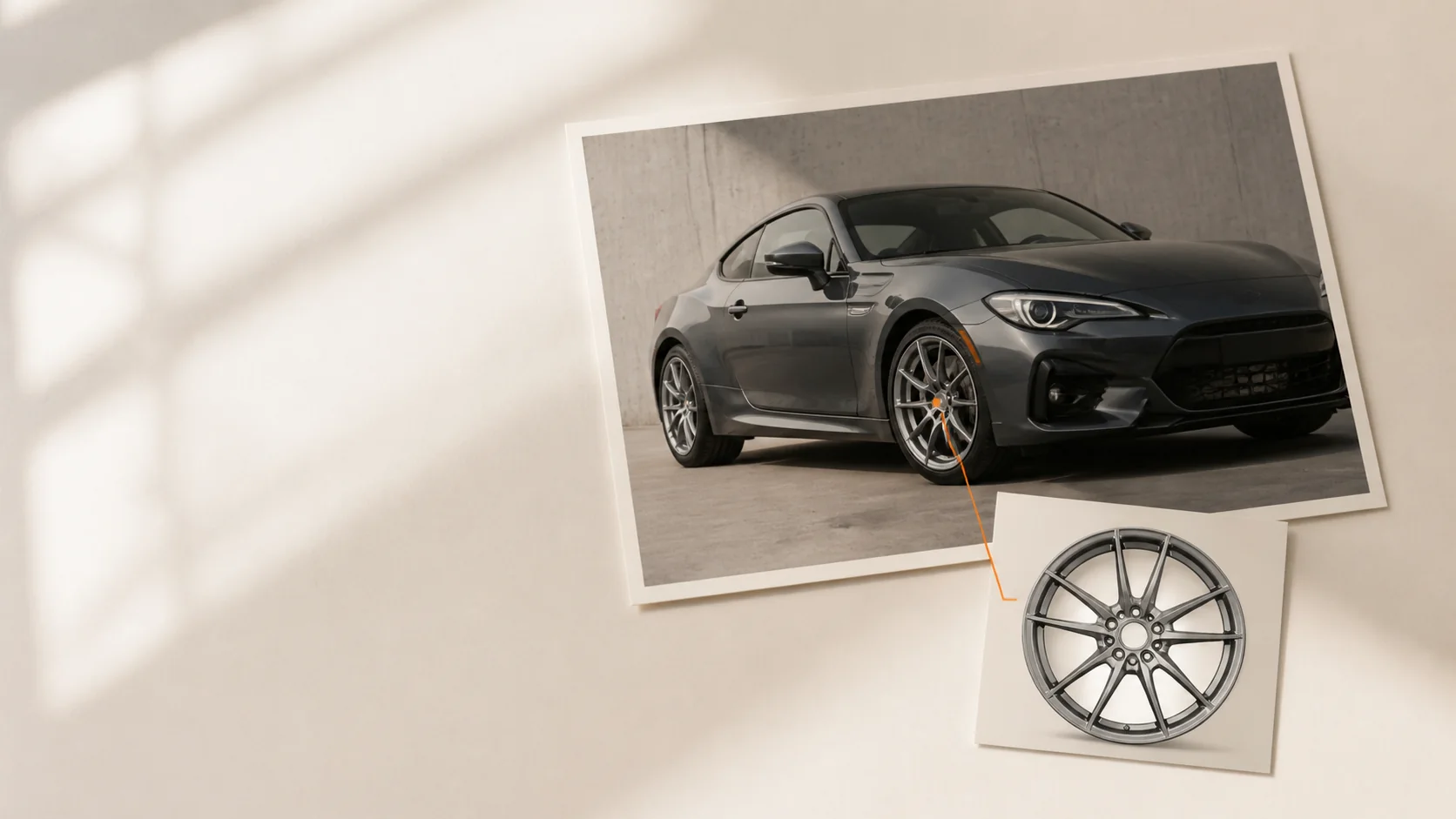
AI Wheel Swap is an AI wheel visualizer for testing a wheel design on a photo of your actual car. Instead of choosing a generic vehicle from a catalog, you provide the car image and the wheel image yourself. The model then creates a visual approximation of the new wheels in that scene.
People may describe the same job as a wheel swap AI tool, car wheel simulator, wheel tester, AI rim visualizer, or car rim visualizer. The useful outcome is simple: visualize wheels on car photography before you commit to a style. WheelSwap is also a practical AI car wheel generator for early concepts, but it does not calculate physical compatibility.
The preview is for appearance. Confirm diameter, width, offset, bolt pattern, brake clearance, load rating, and tire size with the manufacturer or a qualified retailer before buying.
03Four steps
The workflow is intentionally short: two visual inputs, one focused instruction, and a result you can compare before trying another wheel direction.
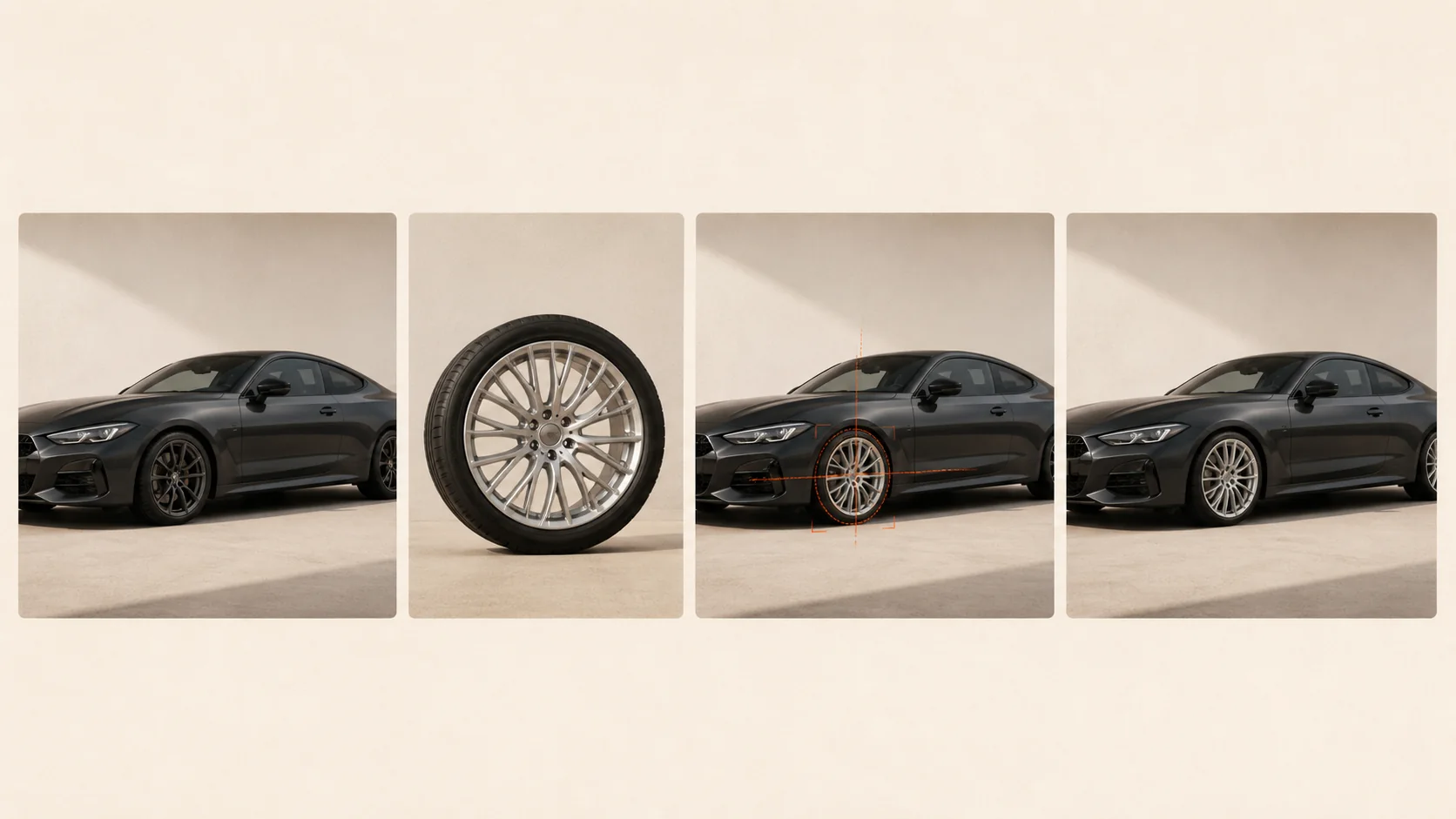
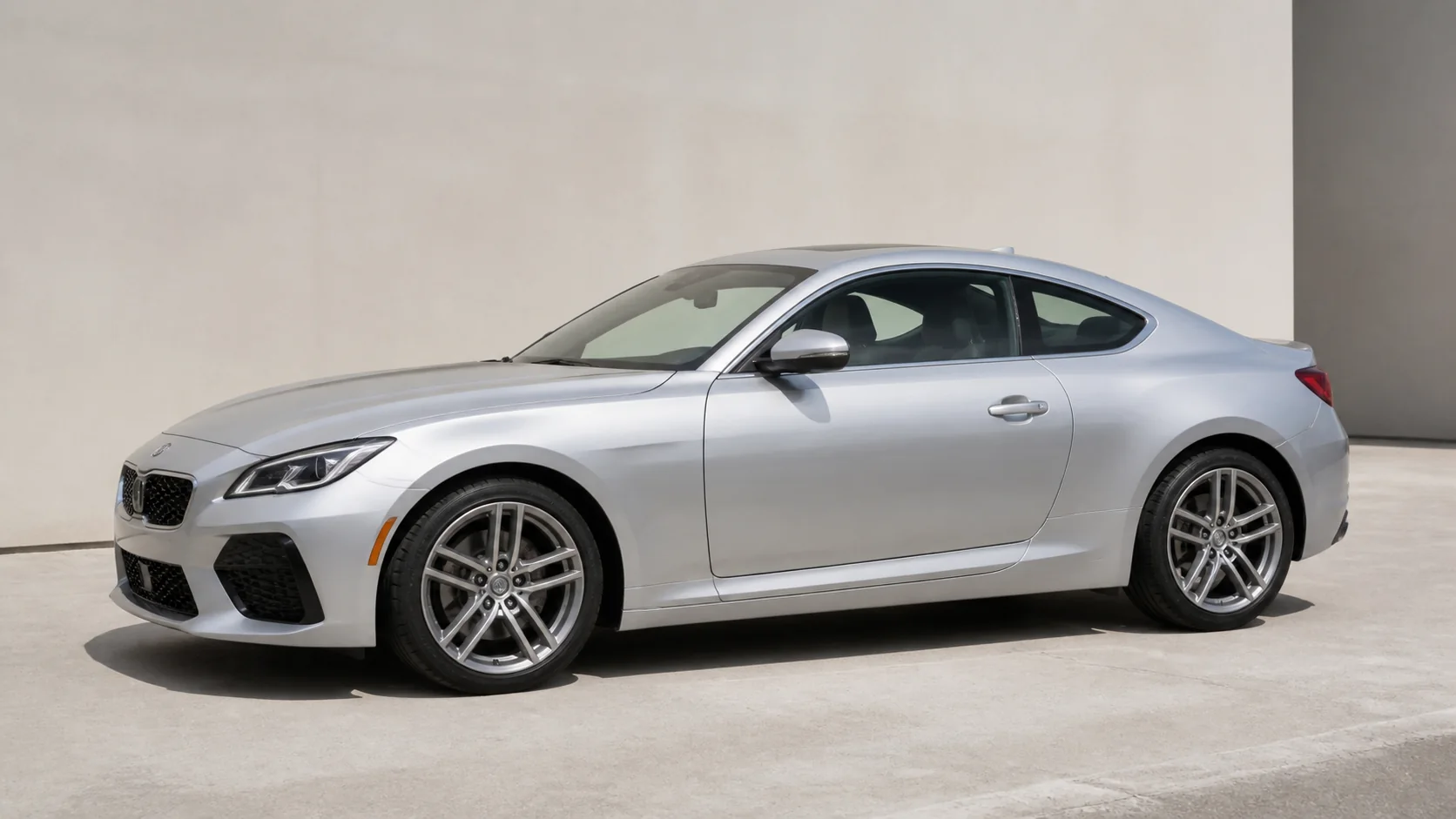
Use a clear photo of the vehicle you actually want to evaluate. A side or three-quarter view gives the AI useful wheel geometry.
Add a product photo, screenshot, catalog image, or a wheel photo from another angle. The design becomes the visual reference.
WheelSwap aligns the reference design to the visible wheel positions while protecting the car, perspective, and original scene.
Compare the original and generated image, then test another wheel image when you want a different direction.
04The useful difference
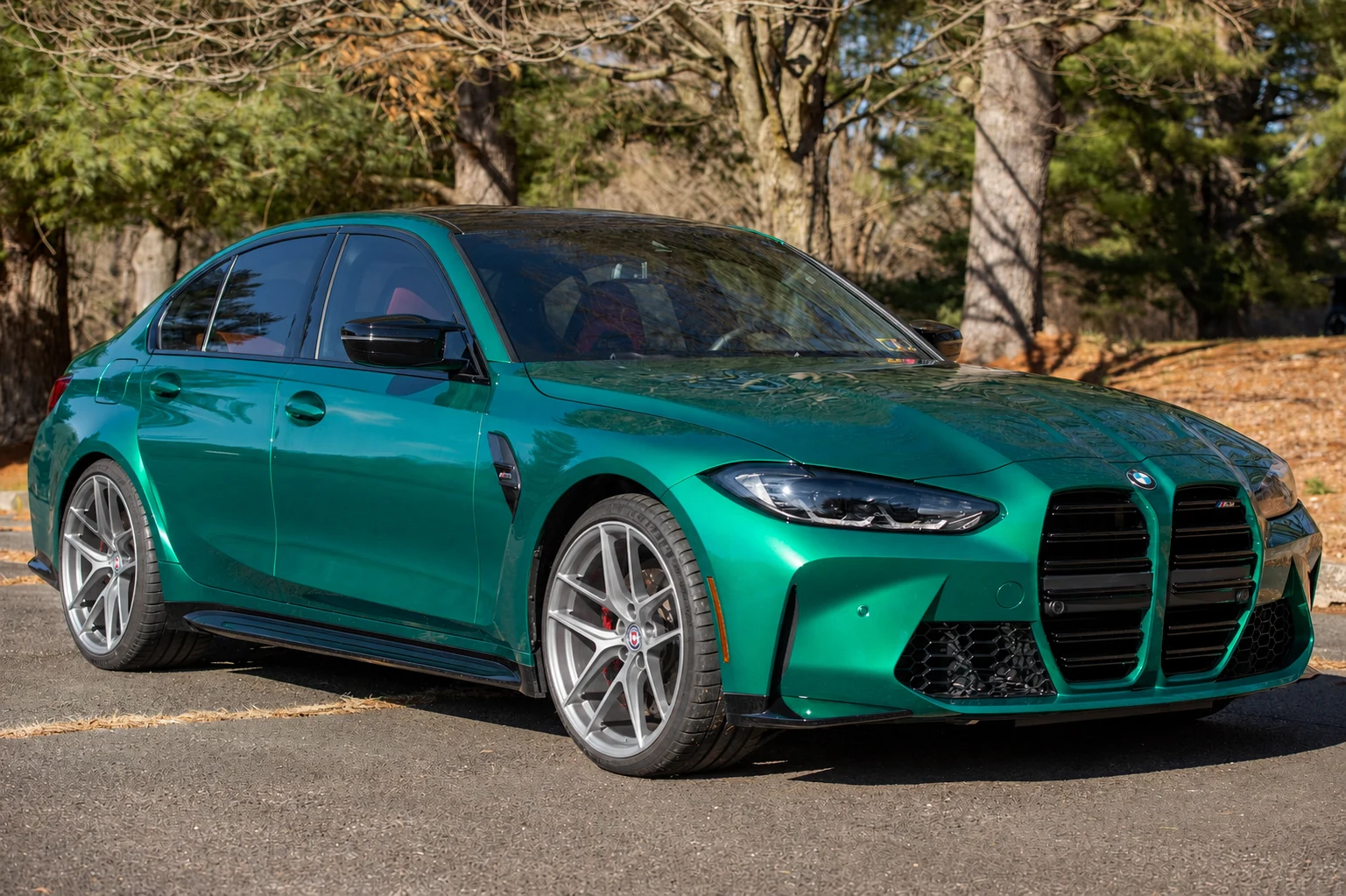
A catalog visualizer is useful when you already know the exact vehicle and wheel combination you want to inspect. Early in the decision, the harder question is often more personal: what would my car look like with different wheels in the place where I actually drive it?
WheelSwap keeps that question grounded in your own photo. Your paint color, wheel arches, ride height, background, weather, and camera angle remain part of the comparison. That makes it easier to change wheels on a car photo, compare a few directions, and discuss a shortlist with a shop.
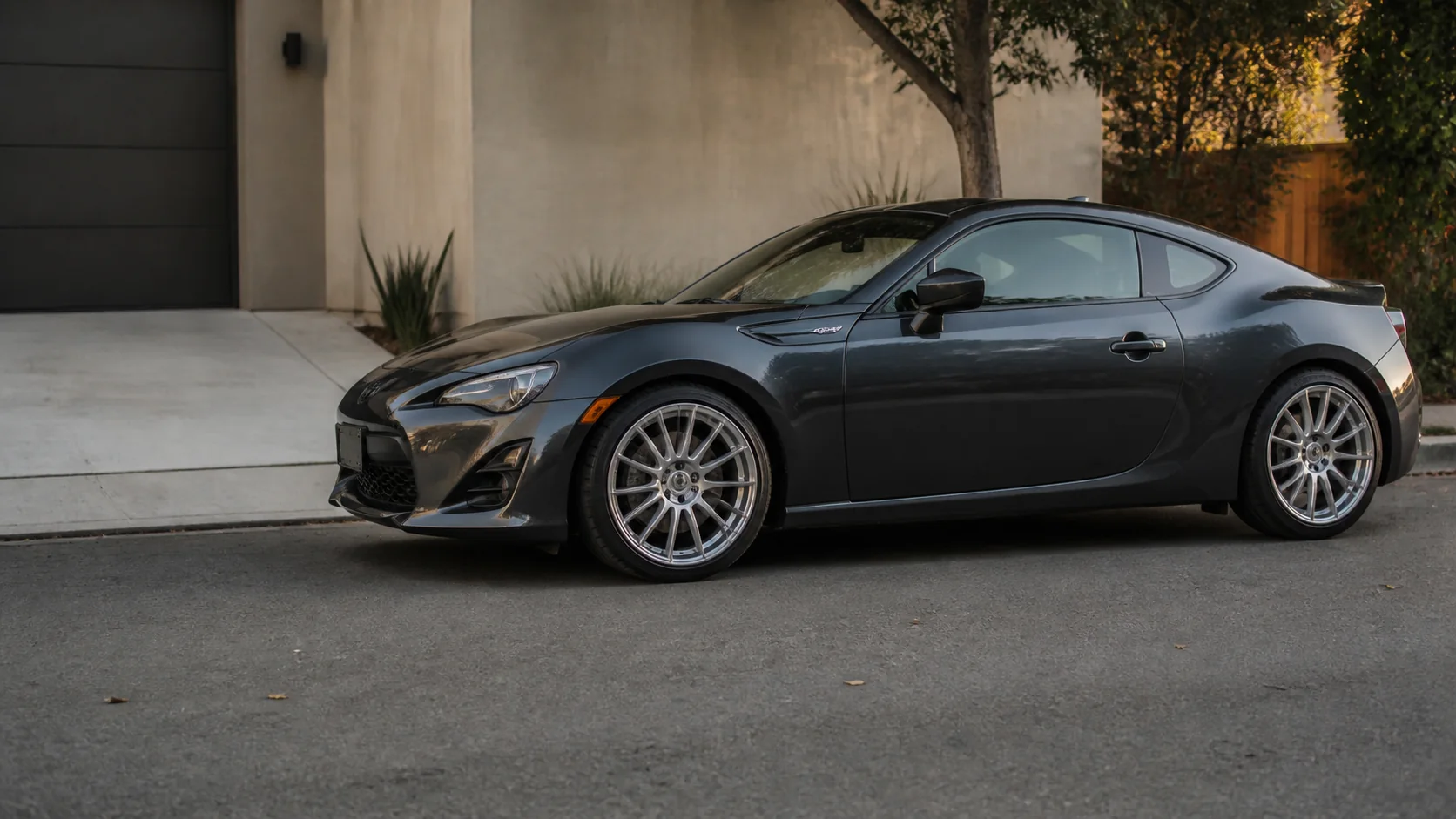
A focused virtual wheel try-on
05Choose the right workflow
Both workflows have a place. WheelSwap is optimized for a quick visual answer from your own photos, while a traditional catalog tool is better when you need structured product and fitment data.
| Question | AI Wheel Swap | Traditional visualizer |
|---|---|---|
| Starting point | Your car photo plus any wheel image | A predefined vehicle and wheel catalog |
| Setup | Upload two images and generate | Select a make, model, trim, and catalog option |
| Visual context | Your camera angle, bodywork, lighting, and surroundings | A standardized render or configurable 3D scene |
| Best for | Fast visual exploration and a buying shortlist | Detailed catalog browsing and fitment workflows |
WheelSwap complements a fitment or catalog tool; it does not replace one. Use it to decide which visual directions are worth checking.
06Who it helps
Anyone who needs an earlier, more concrete answer to a styling question can begin with the same simple two-image workflow.
Shortlist a wheel style on your own vehicle before spending time comparing products in person.
Explore aggressive, classic, understated, or unusual wheel directions without rebuilding a 3D scene.
Create a quick visual conversation starter for customers using the car and wheel references already in front of you.
Build concept boards, social posts, and early styling studies from real vehicle photography.
07The question behind the search
Start with the photo that best represents the car. Then upload the wheel reference you are considering. WheelSwap gives you a visual answer in the same scene, so the decision is easier to discuss than a product thumbnail by itself.
You can repeat the process with another reference to compare a subtle OEM-style finish, a darker aftermarket look, or a more distinctive spoke pattern. The goal is not to declare a winner for you; it is to turn an abstract idea into something you can inspect.
Test your own car photo08Input guide
A clear input gives the visualizer more useful geometry and fewer details to guess. You do not need a studio shoot; you do need the wheel areas to be visible.
09Product boundary
The product is deliberately narrow: make the visual comparison easy, keep the source context visible, and be explicit about what the preview cannot prove.
You see the wheel idea in the context that matters: your paint, stance, body shape, camera angle, and driveway or street.
You are not limited to a predefined catalog. Upload a screenshot, product photo, or reference image and test the visual direction.
Two inputs, one visual instruction, and a comparison result keep an early styling decision easy to understand.
The preview helps you explore appearance. Manufacturer or qualified retailer checks remain the source of truth for compatibility.
Upload two images and generate. There are no layers, selections, masks, or complicated editing tools to learn first.
10Questions, answered
The short version: WheelSwap helps you visualize wheels on your car; a manufacturer or qualified retailer confirms whether they fit.
Make the next wheel decision concrete
Upload your car photo and wheel reference to create a visual preview. Then use the exact wheel specifications for the final compatibility check.
Upload your car. Upload your wheels. See the difference.